
When you choose, the right moment, the right atmosphere.


01 MEET
Setup
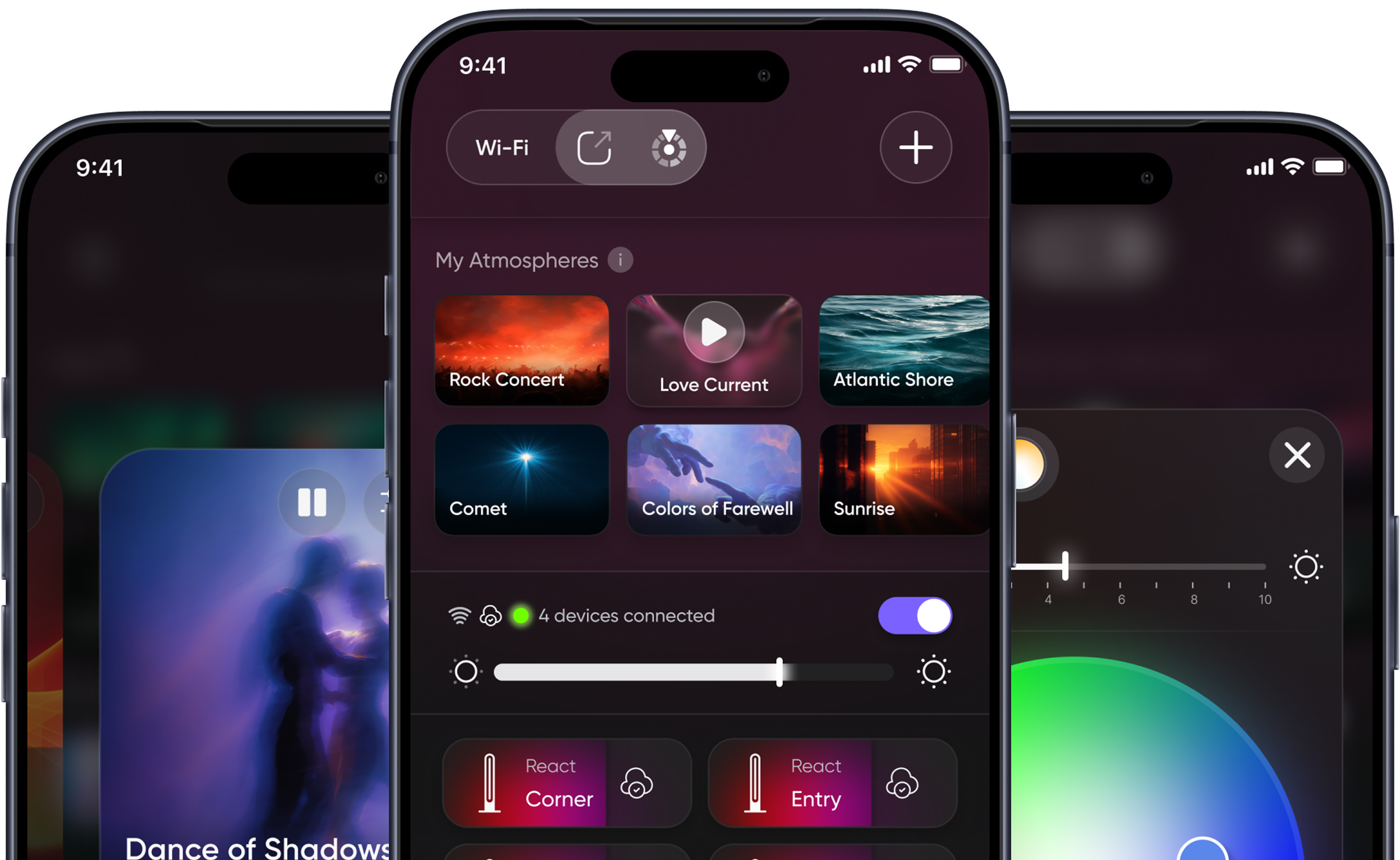
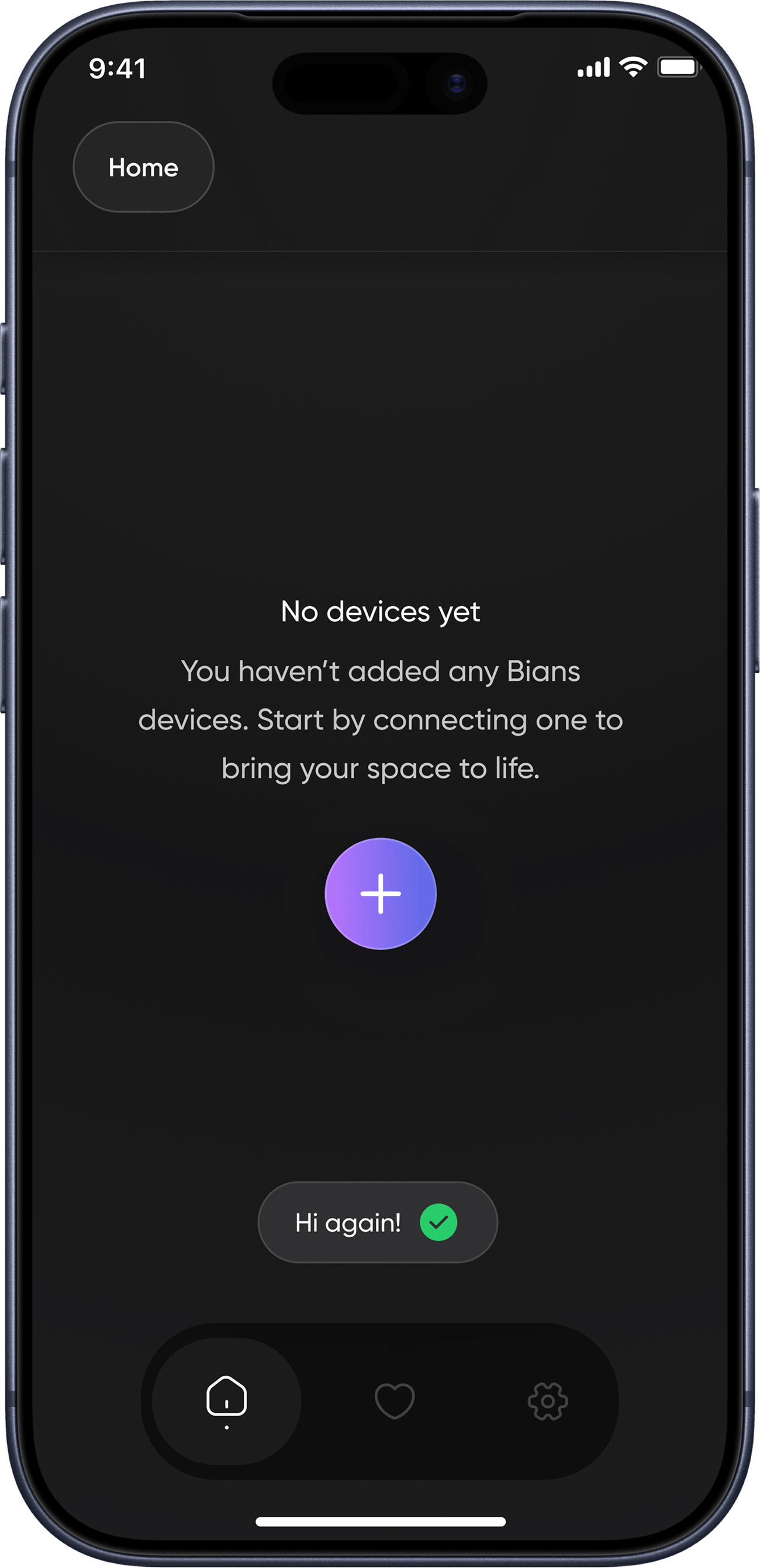
Pair it once, everything else follows on its own. See every device on your local network, manage them from another phone too. Every device in your home, same network, same harmony.
Requires a 2.4 GHz network.
02 FEEL
Home Screen
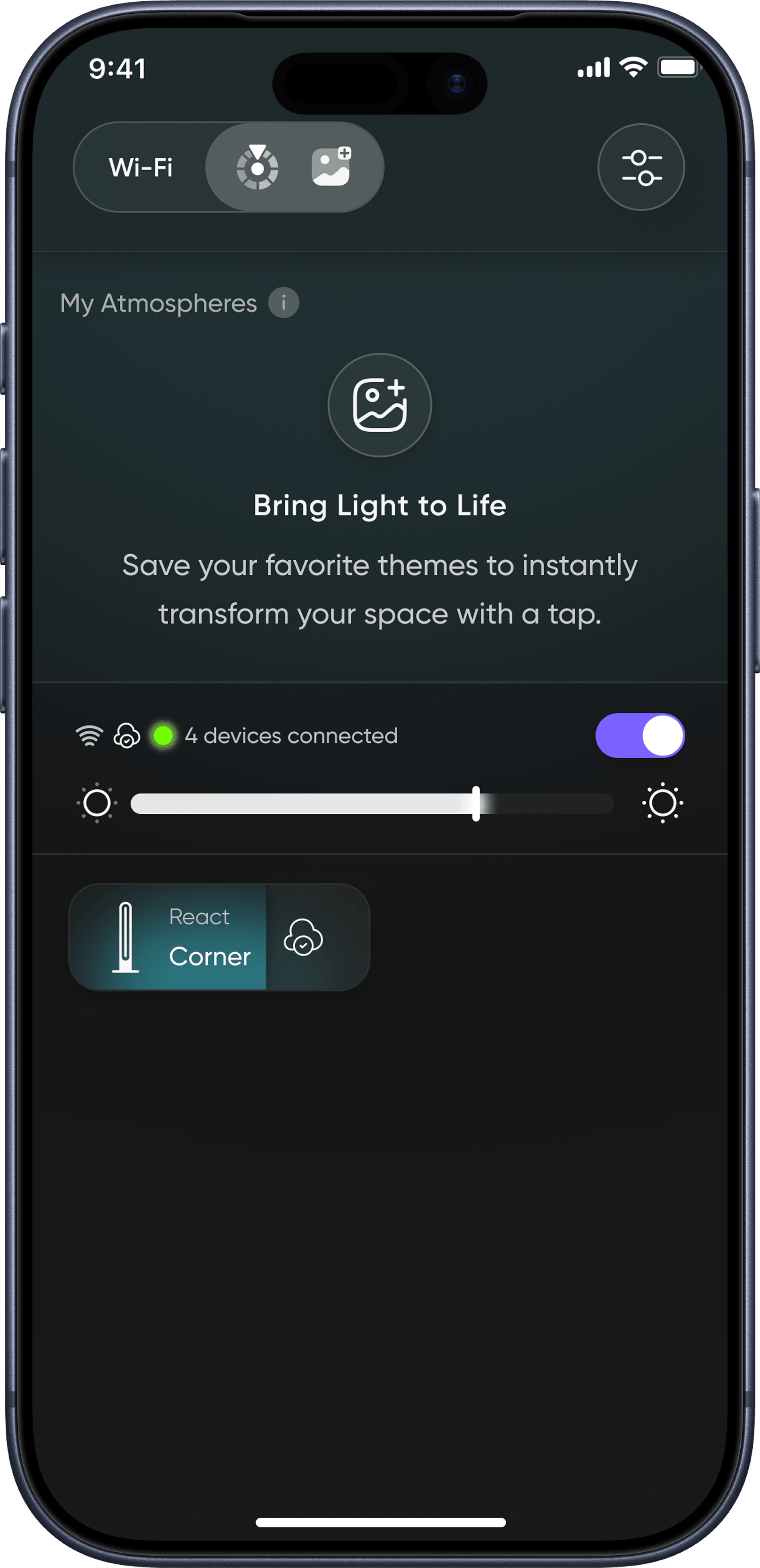
Tap, it turns on. Hold, you pick a color. Swipe, brightness adjusts. Three gestures, full control.
03 CHOOSE
Theme Library
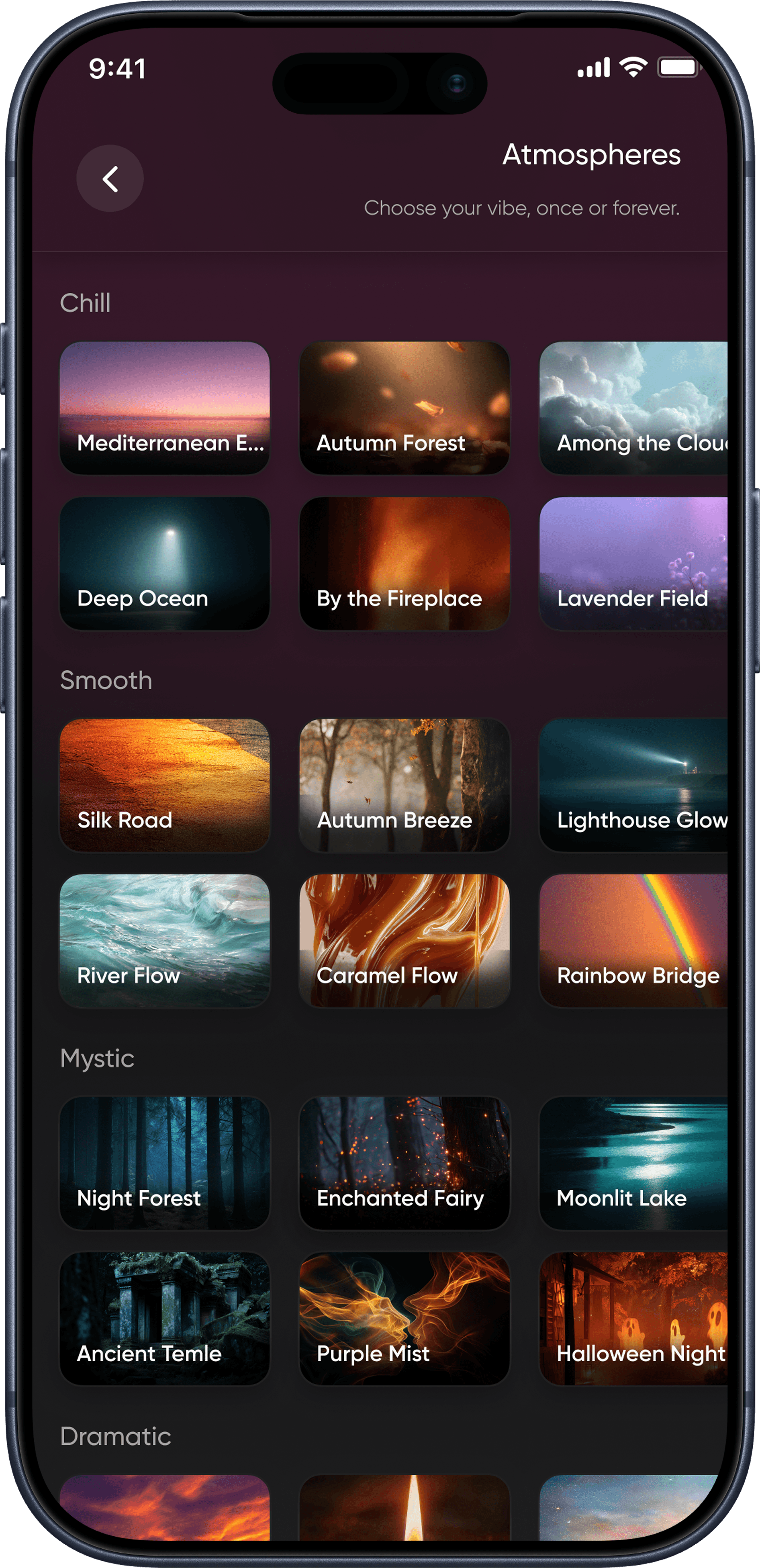
Every theme is for a moment. Browse the library, save your favorite themes, customize them, apply them to the whole room in one tap.
When music is on, the Rhythm category hears it and the room joins in.
04 DETAIL
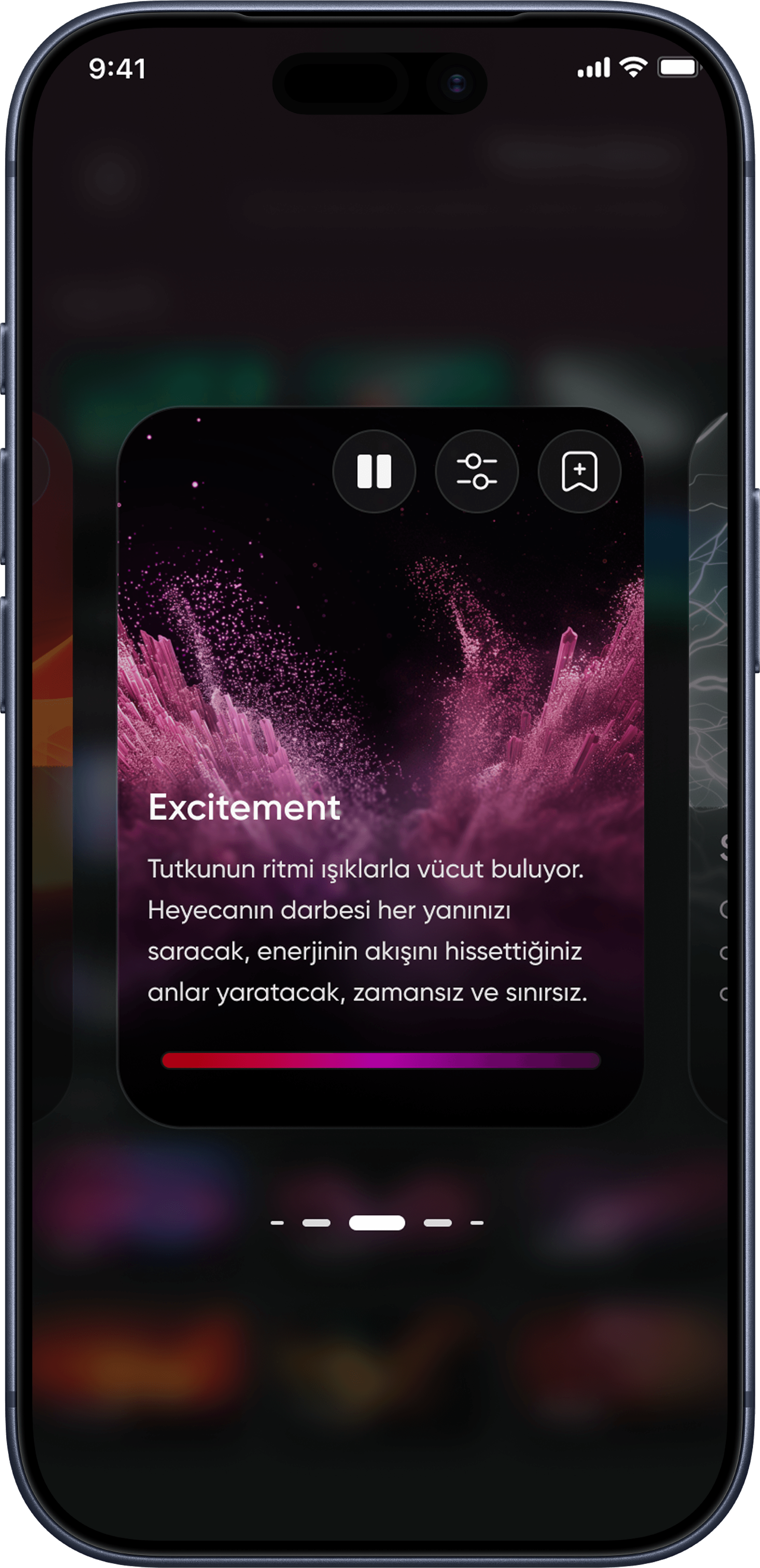
Theme detail
Play, pause, edit, save as a favorite. All on this screen.
Speed, color, brightness: yours to change. Some themes have their own settings.
05 ALWAYS READY
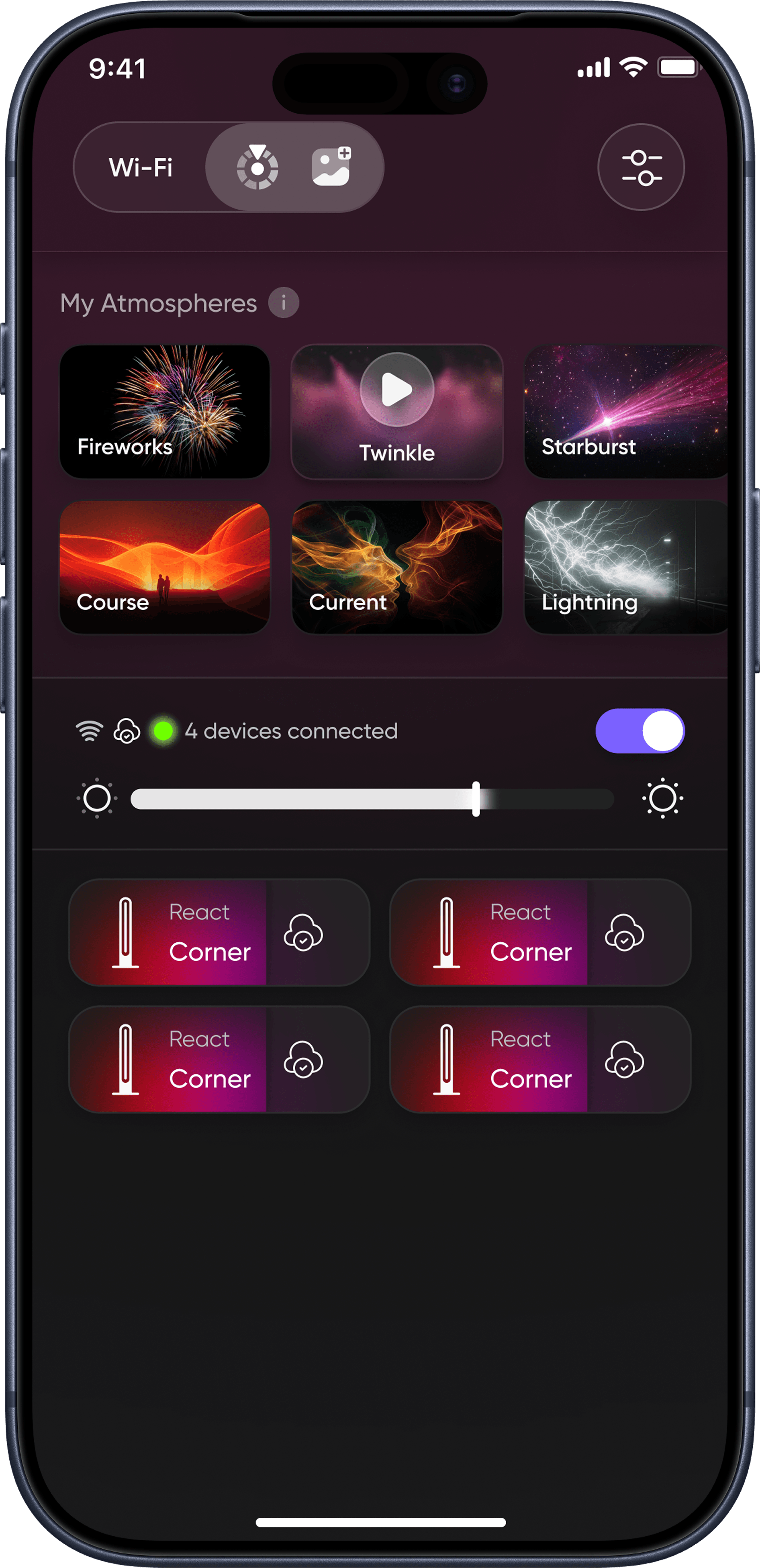
Favorite Themes
Your favorite themes are always ready on the home screen. Play, pause, switch instantly. Your evening routine is now ready before you are.
06 COLOR
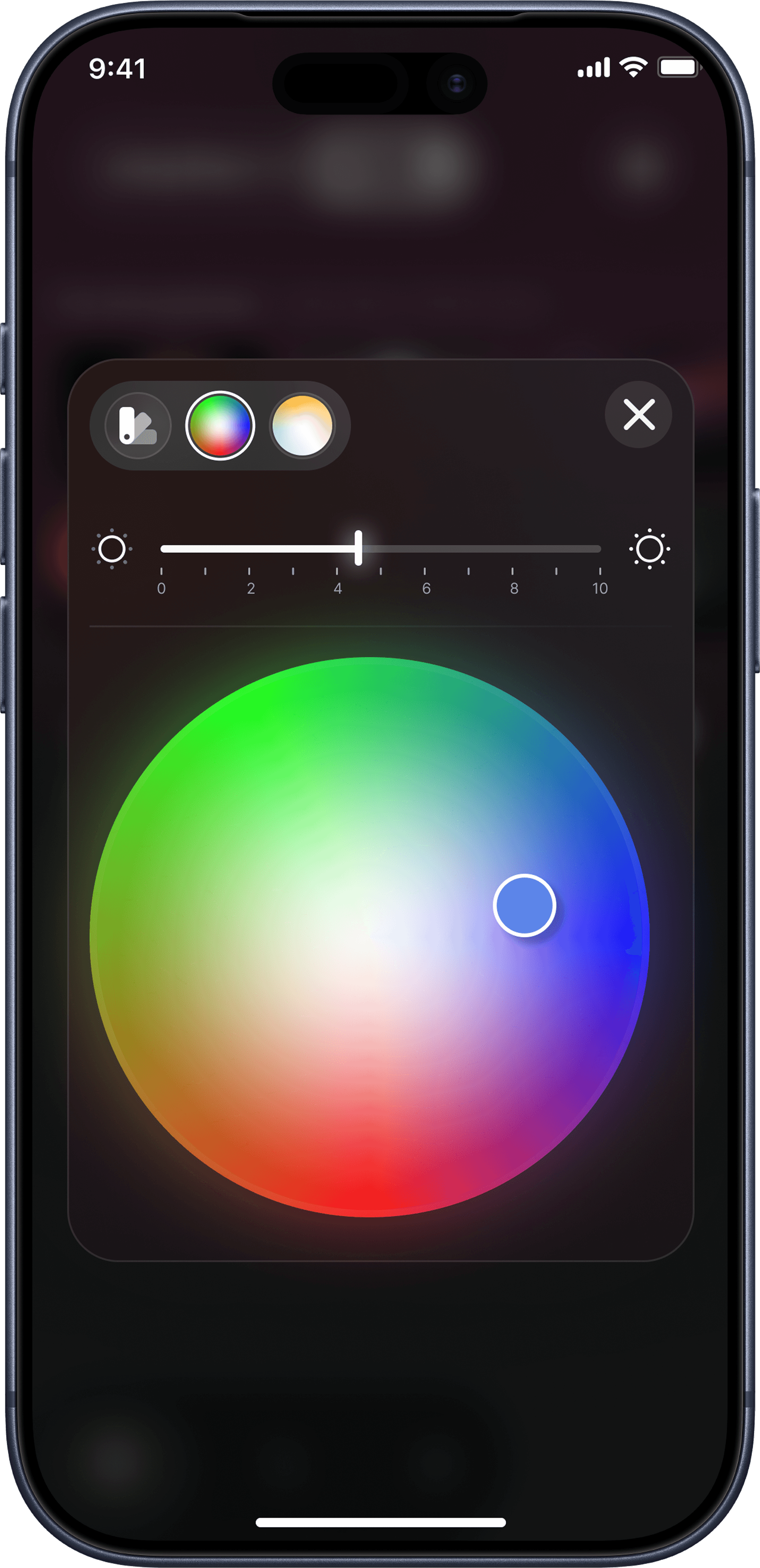
Color
Assign one mood to the whole room, or give every device its own character. Paint the room with the palette, dial in the tone with the picker.
FAQ
About the app.
Setup, Wi-Fi, gestures, themes, and reset.